What is your developer-dependent CMS actually costing you? Calculate your costs and get a full report


Editors · Web Studio
Web Studio: edit your site visually, in context.
Web Studio brings your real site into Agility — preview, visual editing, screen-size comparisons, and live commenting on production and staging content. See the actual layout as you work, and ship without touching code.
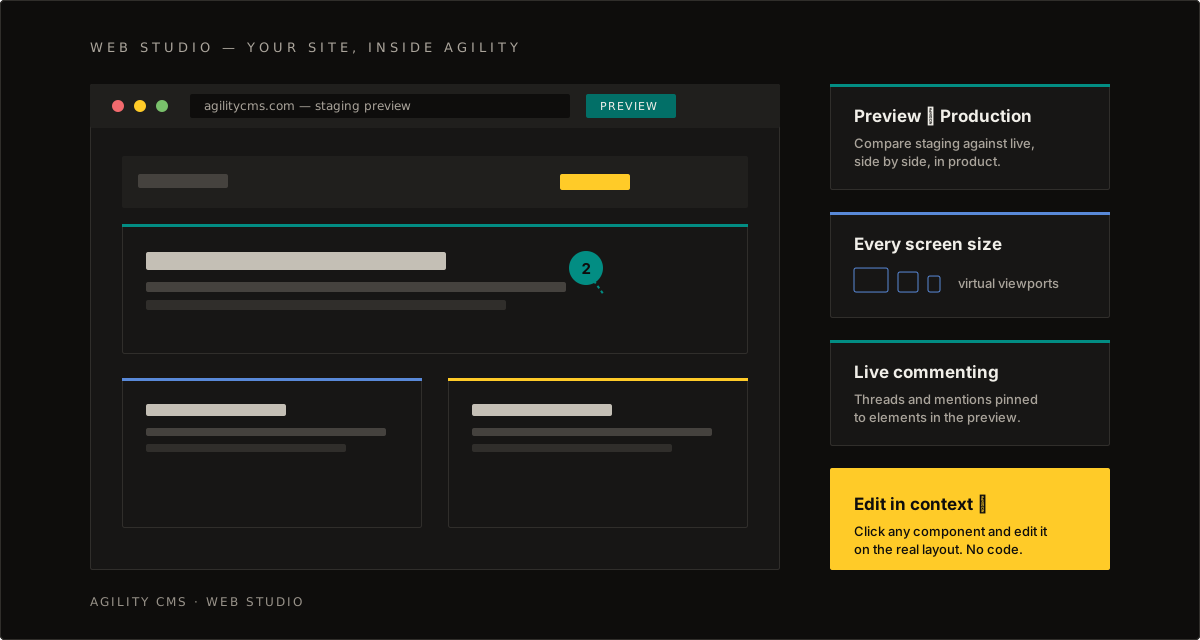
Works with your real front end. Web Studio loads your site's preview and production deployments in-product. If your site can render preview content, Web Studio can edit it — any framework, no proprietary renderer.
Start with these guides
Everything you need to go from first preview to a fully collaborative editing workflow.
- Getting Started With Web StudioPreview, collaboration, visual editing, and screen-size comparisons for production and staging content.Overview
- Live Commenting & CollaborationDrop comment bubbles directly onto elements in the live visual preview — threads, mentions, and annotations included.Editors
- Environments & Content WorkflowHow preview and live modes work across your deployments, and the workflow best practices behind them.Overview
- Version History & CommentingTrack updates, compare versions side by side, and revert safely.Editors